
Top 10 CAPTCHA Solving Tools Recommended for 2026
As website anti-scraping and automated traffic identification technologies continue to evolve, CAPTCHA (Completely Automated Public Turing test to tell Computers and Humans Apart) has developed from simple character-based CAPTCHAs into reCAPTCHA, hCaptcha, Cloudflare Turnstile, GeeTest, AWS WAF CAPTCHA, and invisible verification systems based on browser fingerprinting and behavioral analysis.
For automated testing, RPA, SEO data analysis, price monitoring, public web data collection, and other authorized automated tasks, CAPTCHAs often cause scripts to pause, data requests to fail, or even entire workflows to be interrupted. As a result, CAPTCHA Solver services have gradually become an important component of automation infrastructure.
By 2026, CAPTCHA solving tools have also undergone significant changes: relying solely on OCR or human-powered solving is no longer the only option. More and more services are combining AI-based visual recognition, browser environment simulation, proxy networks, fingerprint management, and automatic retry mechanisms.
This article introduces the basic principles of CAPTCHA solving, common CAPTCHA types in 2026, and compares the ten CAPTCHA solving tools currently worth considering.
I. What Is CAPTCHA Solving?
CAPTCHA solving refers to identifying and handling human-verification challenges displayed by websites through human recognition, OCR, machine learning, computer vision, browser automation, or third-party APIs.
Early CAPTCHA solving was relatively simple. For example, a website might display an image containing distorted letters, and a CAPTCHA service only needed to use OCR or human recognition to convert the text in the image into characters.
Modern CAPTCHAs, however, have changed significantly. For example, Google reCAPTCHA v3 does not necessarily display a CAPTCHA. Instead, it evaluates users by analyzing information such as the browser environment and access behavior to generate a risk score. Cloudflare Turnstile may also complete verification in the background. Modern websites may even combine IP Reputation, TLS Fingerprint, Browser Fingerprint, Cookies, the JavaScript execution environment, and access frequency to determine whether a visitor is an automated program.
Therefore, CAPTCHA solving solutions in 2026 can generally be divided into three categories:
- AI/OCR CAPTCHA Solver: Uses OCR, deep learning, or computer vision to recognize images and text;
- Human + AI Hybrid Solver: AI handles tasks first, while complex tasks are handed over to human operators;
- Web Unblocker / Scraping API: Does not separately “recognize CAPTCHAs,” but instead reduces the likelihood of CAPTCHA challenges by using proxies, browser fingerprinting, JavaScript rendering, session management, automatic retries, and other methods.
There is no absolute “best tool” for every type of automation project. The key factors are the CAPTCHA type, request volume, response speed, API usability, and the overall automation architecture.
II. Common CAPTCHA Types and How They Work in 2026
1. Image/Text CAPTCHA
This is the most traditional type of CAPTCHA. Websites generate images containing numbers, letters, or symbols, and add interference such as rotation, distortion, noise, and overlapping lines, requiring users to enter the characters shown in the image.
Its primary recognition methods include:
- OCR;
- CNN / Vision AI;
- Human-powered solving.
As AI-based image recognition capabilities improve, the technical barrier for this type of CAPTCHA has become relatively low.
2. Image Classification CAPTCHA
Users need to identify specific objects in images, such as:
- Traffic lights;
- Buses;
- Bicycles;
- Fire hydrants;
- Crosswalks.
This type of verification usually requires computer vision models to determine the image content and the location of the target object. Google reCAPTCHA v2 is one of the most typical examples.
3. reCAPTCHA v2
The most classic reCAPTCHA v2 interface is:
“I'm not a robot”
After the user clicks the checkbox, the system determines based on risk assessment whether to display an additional image challenge.
Therefore, it is not simply a matter of “clicking a checkbox.” Behind the scenes, it also includes risk assessment based on the browser and access behavior.
4. reCAPTCHA v3
reCAPTCHA v3 differs substantially from traditional CAPTCHAs. It usually does not require users to actively complete an image challenge. Instead, it analyzes access behavior in the background and generates a risk score. If automated access is deemed abnormal, it may be restricted, denied, or prompted to complete an additional verification challenge.
Therefore, OCR alone is no longer meaningful for reCAPTCHA v3.
5. hCaptcha
hCaptcha is relatively similar to reCAPTCHA in terms of interaction. Users may need to select specific objects from a group of images, while the system also evaluates the browser and access environment to determine whether the request is legitimate.
Most mainstream CAPTCHA Solvers currently support hCaptcha as an important target.
6. Cloudflare Turnstile
Cloudflare Turnstile has become an increasingly common human-verification solution in recent years.
It can use:
- Managed;
- Non-interactive;
- Invisible
verification modes.
Compared with traditional CAPTCHAs, Turnstile places greater emphasis on background risk analysis and browser environment assessment, and does not necessarily require users to complete a large number of image-selection tasks.
Mainstream CAPTCHA services such as Anti-Captcha, CapSolver, and CapMonster Cloud currently provide support for Turnstile.
7. Slider / Puzzle CAPTCHA
This type is particularly common on Asian websites and mobile applications.
Examples include:
- GeeTest;
- Slider CAPTCHA;
- Puzzle CAPTCHA.
Users typically need to drag a puzzle piece to the correct position.
Solving this type of CAPTCHA generally involves:
- Image matching;
- Gap detection;
- Target coordinate recognition;
- Trajectory or interaction analysis.
8. AWS WAF CAPTCHA
Some websites that use Amazon Web Services deploy AWS WAF CAPTCHA.
Compared with traditional image CAPTCHAs, it forms part of the website’s overall security system. Therefore, it usually needs to work together with the CAPTCHA Solver, browser session, cookies, and other environmental elements.
Services such as CapSolver, NopeCHA, and DeathByCaptcha currently provide support for AWS WAF CAPTCHA.
9. Audio CAPTCHA
Audio CAPTCHA is primarily an accessibility-friendly form of CAPTCHA. The system plays an audio clip containing numbers or words and asks users to enter what they hear.
Common solving methods include:
- Speech-to-Text;
- Audio AI models;
- Human recognition.
Services such as DeathByCaptcha still provide support for Audio CAPTCHA.
10. Invisible Behavioral Verification
This is one of the most important directions in the development of CAPTCHA in recent years. Websites do not necessarily display a “CAPTCHA,” but instead analyze:
- IP address and reputation;
- Cookies;
- JavaScript environment;
- Browser fingerprint;
- TLS fingerprint;
- Page navigation path;
- Request frequency;
- Session consistency.
As a result, more and more CAPTCHA-solving products in 2026 are evolving from traditional “CAPTCHA recognizers” into complete Anti-Bot Handling / Web Unlocking services.
III. Top 10 CAPTCHA Solving Tools Recommended for 2026
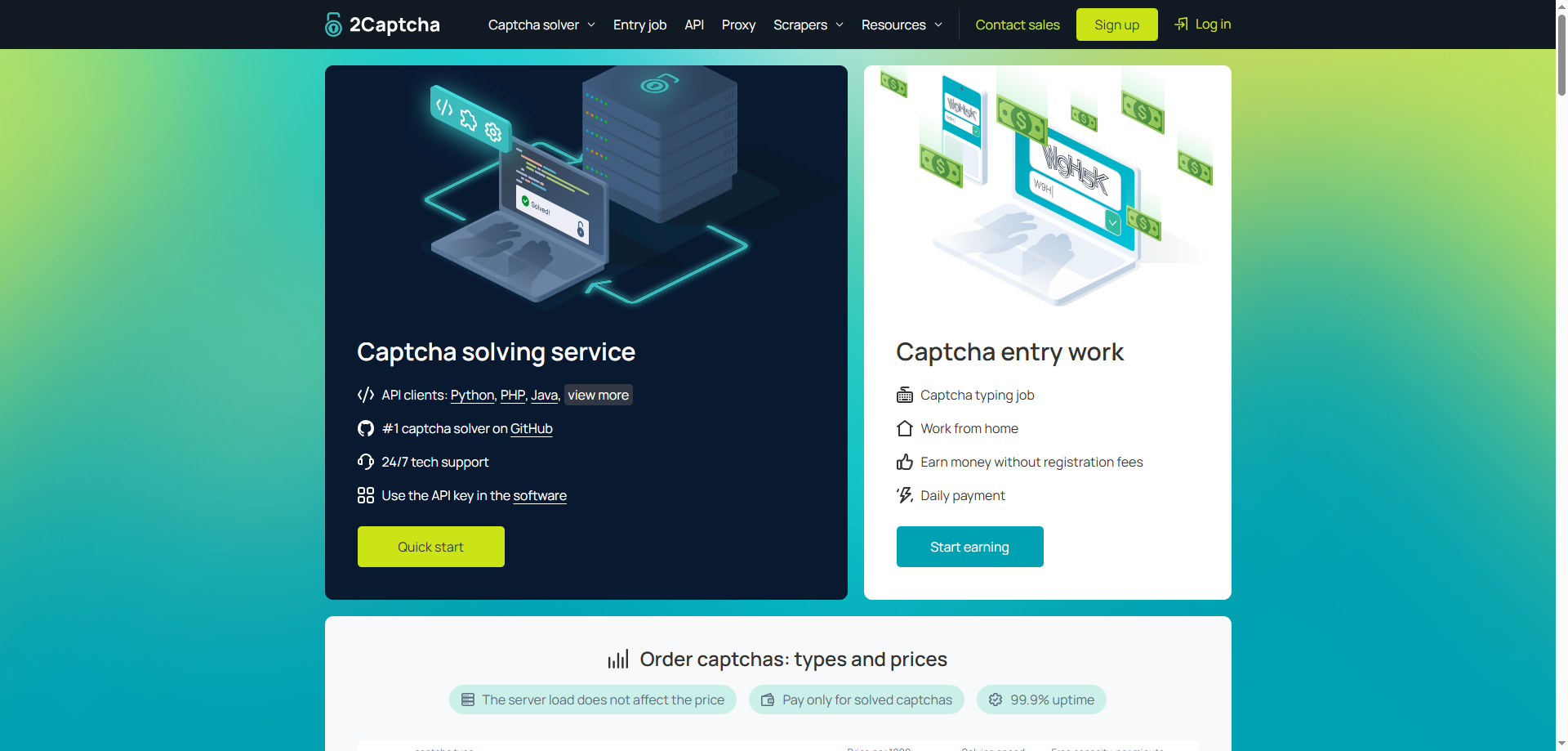
1. 2Captcha
Official positioning: Comprehensive CAPTCHA Solver
2Captcha is one of the better-known CAPTCHA-solving services currently available. It combines AI recognition with human processing and can handle various types of verification, including image CAPTCHAs, reCAPTCHA, Cloudflare Turnstile, Arkose Labs FunCaptcha, and Amazon CAPTCHA. The official website also provides development resources for Python, Java, C#, JavaScript, PHP, and other languages.
Key Features
- Supports reCAPTCHA v2/v3;
- Supports reCAPTCHA Enterprise;
- Supports Cloudflare Turnstile;
- Supports image and text CAPTCHAs;
- Supports Arkose Labs / FunCaptcha;
- Mature API and SDK ecosystem;
- AI + human fallback mode.
Advantages
- Very broad CAPTCHA coverage;
- Long operating history;
- Extensive documentation and third-party integration resources;
- Suitable for multiple programming languages;
- Provides coverage for both traditional image CAPTCHAs and more complex CAPTCHAs.
Disadvantages
- Tasks involving human operators may involve additional waiting time;
- Processing speed varies significantly by CAPTCHA type;
- Large-scale tasks require careful calculation of the cost per solve.
Use Cases
Suitable for:
General automation, QA testing, RPA, public web data collection, and projects that need to handle multiple CAPTCHA types.
2. Anti-Captcha
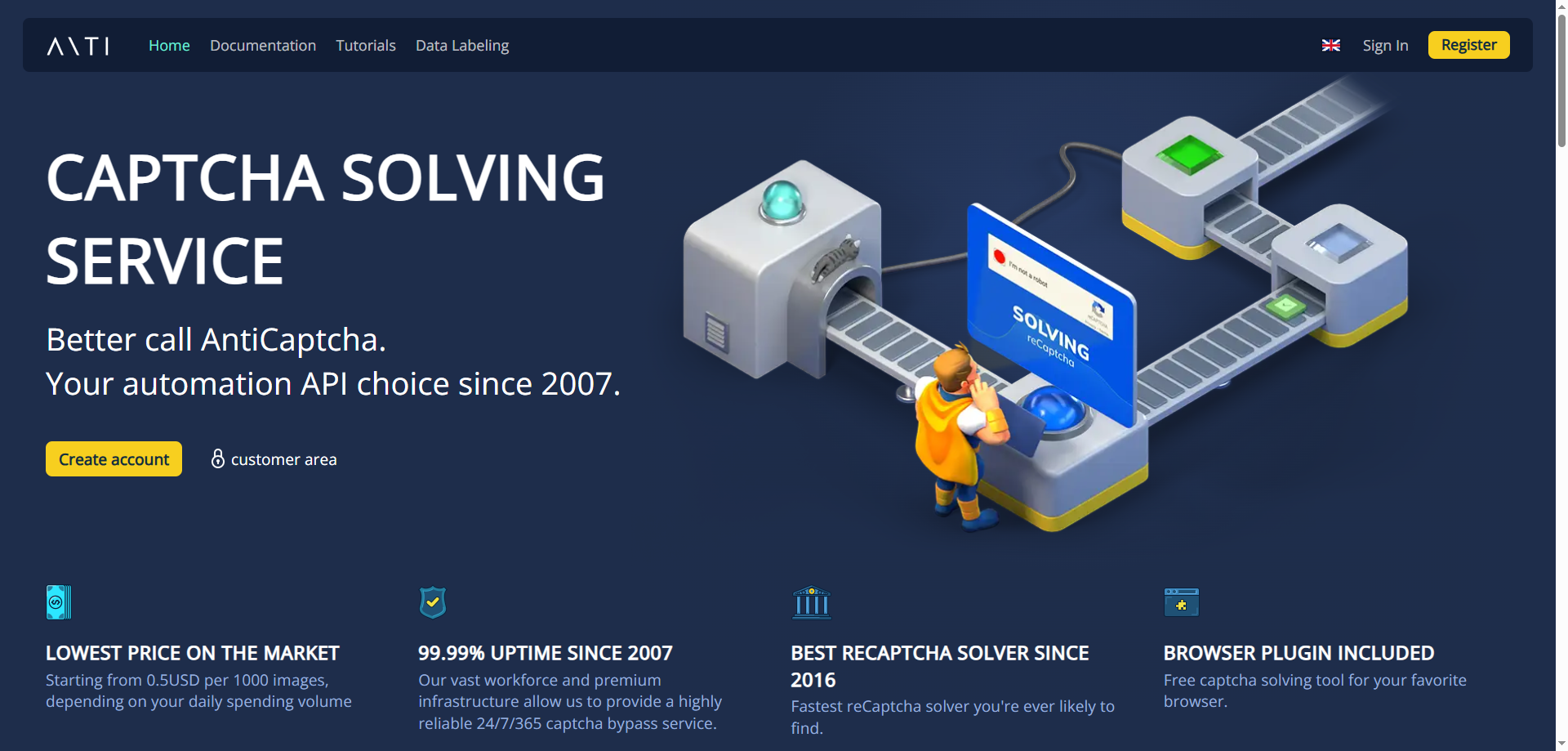
Official positioning: Mature CAPTCHA Solver API
Anti-Captcha is another long-established CAPTCHA-solving platform with very comprehensive support for CAPTCHA types.
Its official API currently covers ImageToText, reCAPTCHA v2/v3, reCAPTCHA Enterprise, Arkose Labs FunCaptcha, GeeTest, Cloudflare Turnstile, Amazon WAF, ALTCHA, Friendly Captcha, and other task types.
Key Features
- CAPTCHA Solver API;
- reCAPTCHA v2/v3;
- Enterprise reCAPTCHA;
- Cloudflare Turnstile;
- FunCaptcha;
- GeeTest;
- Amazon WAF;
- ImageToText.
Advantages
- Extensive CAPTCHA coverage;
- Mature API system;
- Supports multilingual SDKs;
- Provides interfaces for some relatively niche CAPTCHA types as well.
Disadvantages
- Users new to CAPTCHA APIs need some development experience;
- Some tasks require proxies or specific session environments;
- Costs vary significantly by CAPTCHA type.
Use Cases
Best suited for:
Developers, automated testing teams, and long-term projects that need to support multiple CAPTCHA types.
3. CapSolver
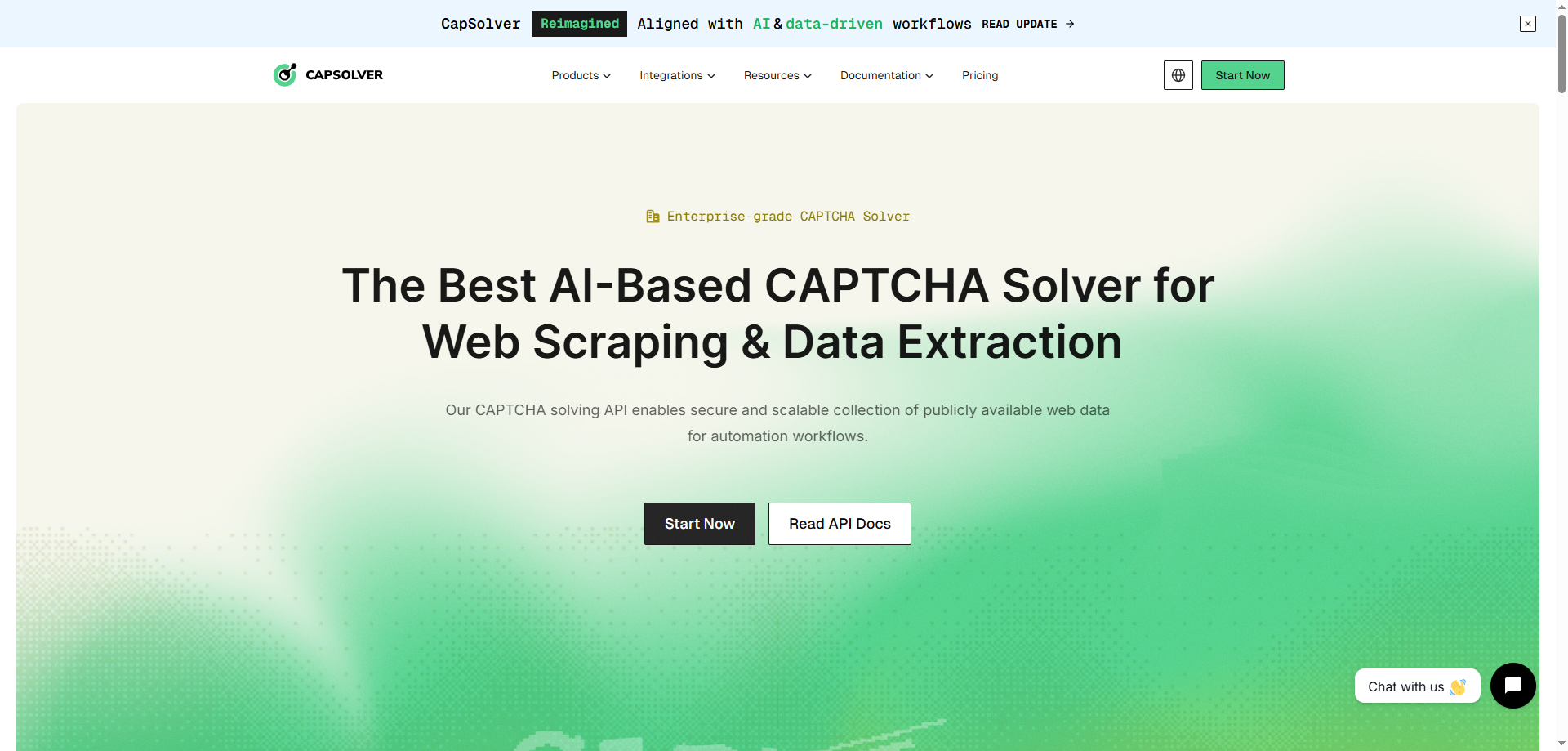
Official positioning: AI-powered CAPTCHA Solver
CapSolver is a fast-growing AI CAPTCHA Solver in recent years, focusing on AI, computer vision, and high-concurrency automation scenarios.
Its products currently cover various verification types, including reCAPTCHA v2/v3, Cloudflare Turnstile, Cloudflare Challenge, AWS WAF, ImageToText, GeeTest, and DataDome. It also provides REST APIs, SDKs, and browser extensions.
Key Features
- AI CAPTCHA Recognition;
- reCAPTCHA v2/v3;
- Cloudflare Turnstile;
- Cloudflare Challenge;
- AWS WAF;
- GeeTest;
- OCR / ImageToText;
- API + Browser Extension;
- Supports automated environments such as Selenium, Playwright, and Puppeteer.
Advantages
- High level of AI automation;
- Broad CAPTCHA coverage;
- Relatively complete API documentation;
- Provides browser extensions;
- Well suited to high-concurrency automation tasks.
Disadvantages
- The effectiveness of advanced CAPTCHAs is still affected by the website’s risk-control environment;
- Prices vary considerably by CAPTCHA type;
- Complex enterprise workflows still require users to manage sessions and exception handling properly.
Use Cases
Especially suitable for:
AI data collection, automated testing, e-commerce data analysis, SEO data monitoring, and developer automation projects.
4. CapMonster Cloud
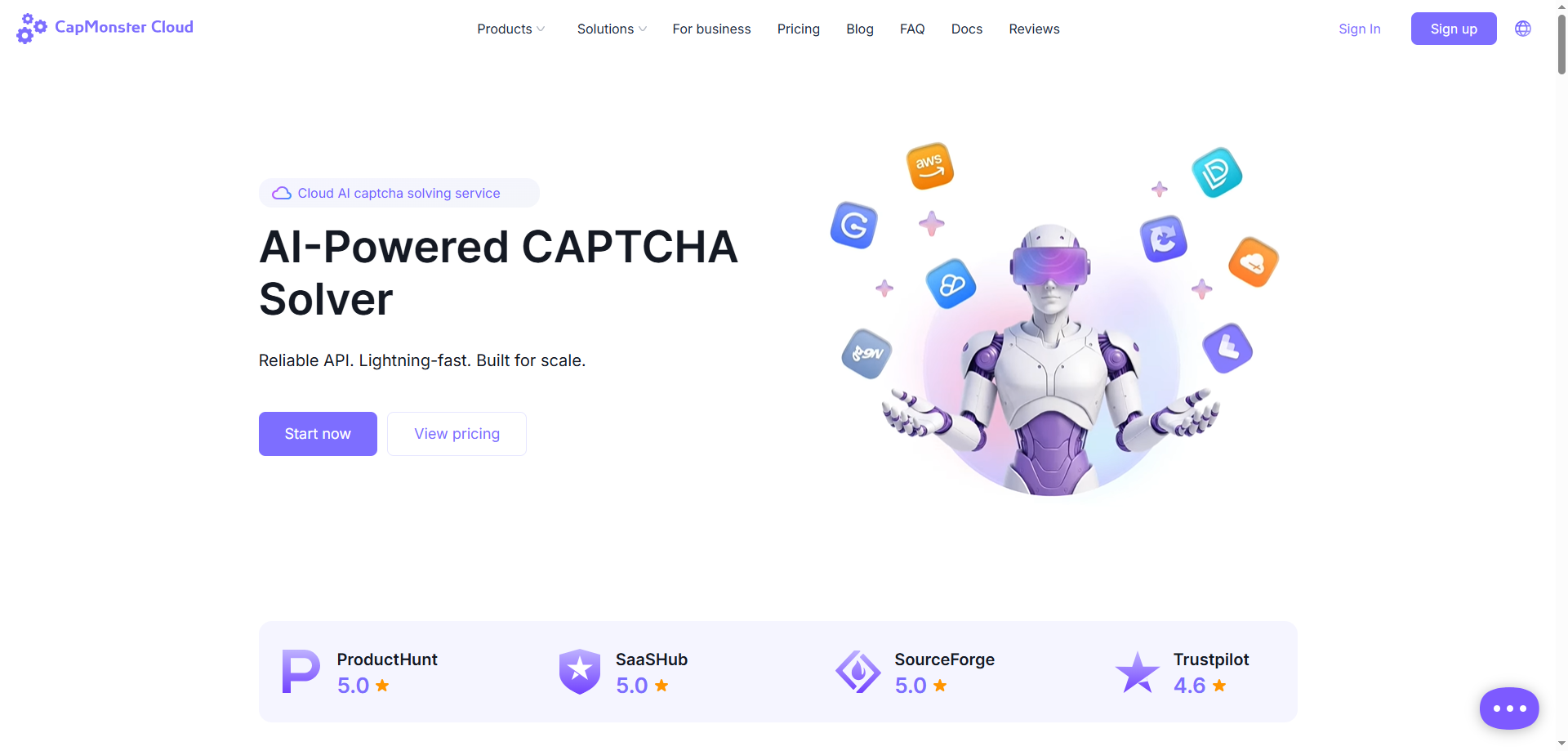
Official positioning: Cloud-based AI CAPTCHA Solver
CapMonster Cloud is another representative AI-powered automatic CAPTCHA recognition platform.
Its product provides a standard JSON API, official SDKs for C#, Python, JavaScript, Go, and PHP, as well as browser extensions for Chrome and Firefox.
Key Features
- AI CAPTCHA solving;
- reCAPTCHA v2/v3;
- reCAPTCHA Enterprise;
- Cloudflare CAPTCHA;
- API;
- SDK;
- Browser Extension;
- Different task modes, including Proxyless / Proxy.
Advantages
- High level of automation;
- Clear API architecture;
- A wide range of official SDKs;
- Supports browser extensions;
- Suitable for CAPTCHA tasks at scale.
Disadvantages
- Success rates still depend on the specific website environment;
- Some advanced CAPTCHAs require consideration of proxy quality;
- Users with no development experience still face a learning curve.
Use Cases
Suitable for:
Automated testing, QA, RPA, data collection, and businesses handling large volumes of CAPTCHA requests.
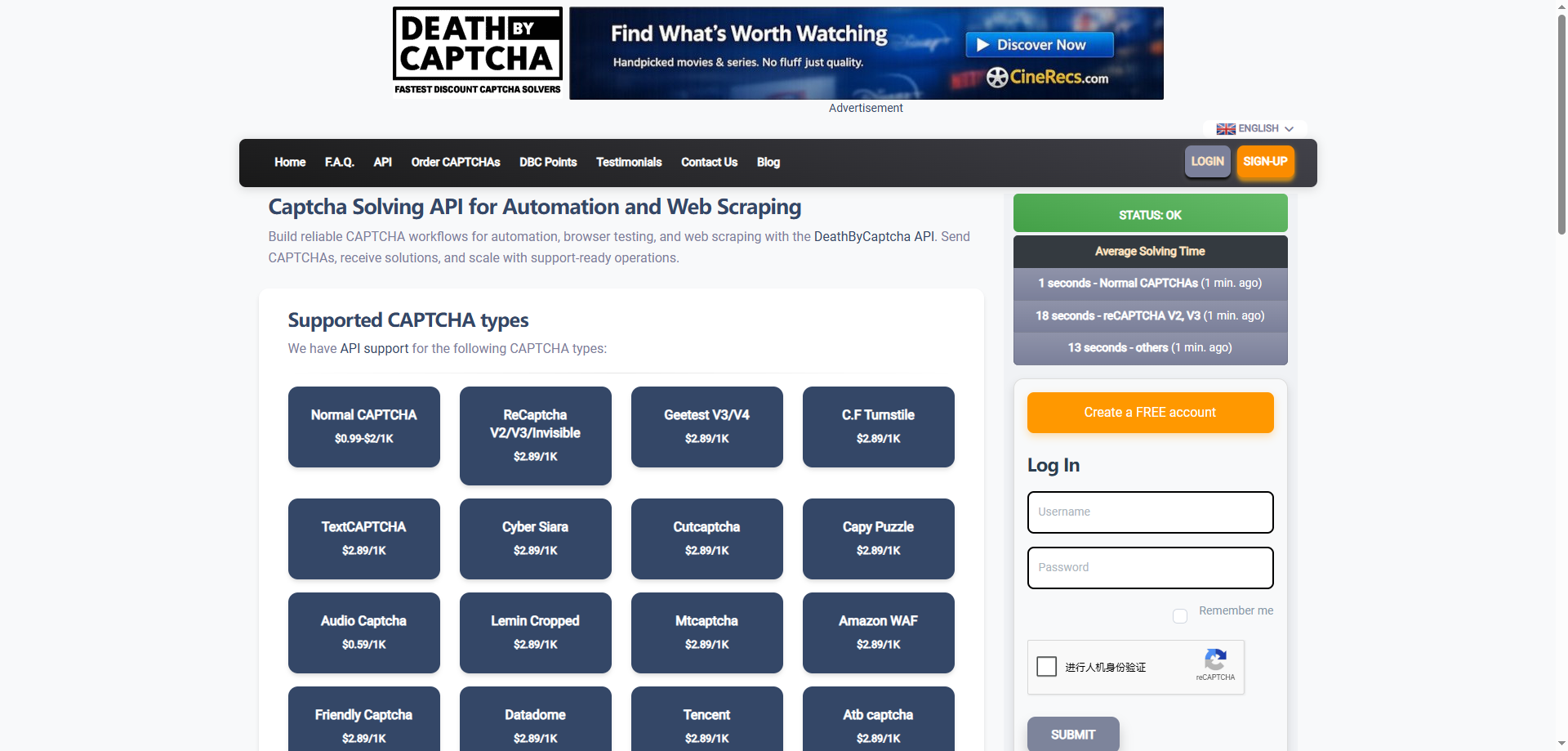
5. DeathByCaptcha
Official positioning: Long-established CAPTCHA Solving Service
DeathByCaptcha is one of the longest-running services in the CAPTCHA Solver market.
According to its official 2026 API documentation, it currently supports traditional image CAPTCHAs, reCAPTCHA v2/v3, GeeTest, Cloudflare Turnstile, Audio CAPTCHA, Amazon WAF, DataDome, Friendly Captcha, and many other types. It also provides clients for Python, Java, Node.js, C#, Go, PHP, and other languages.
Key Features
- Image CAPTCHA;
- reCAPTCHA;
- Turnstile;
- GeeTest;
- Amazon WAF;
- Audio CAPTCHA;
- Multilingual API Client.
Advantages
- Long operating history;
- Broad CAPTCHA support;
- Wide programming-language coverage;
- Mature API integration methods.
Disadvantages
- The product interface and overall experience are relatively traditional;
- Some newer CAPTCHA types are still in Beta;
- Compared with newer pure AI Solvers, its product form is less modern.
Use Cases
Suitable for:
Traditional automation systems, projects with existing DeathByCaptcha integrations, and applications requiring compatibility with multiple CAPTCHA types.
6. NopeCHA
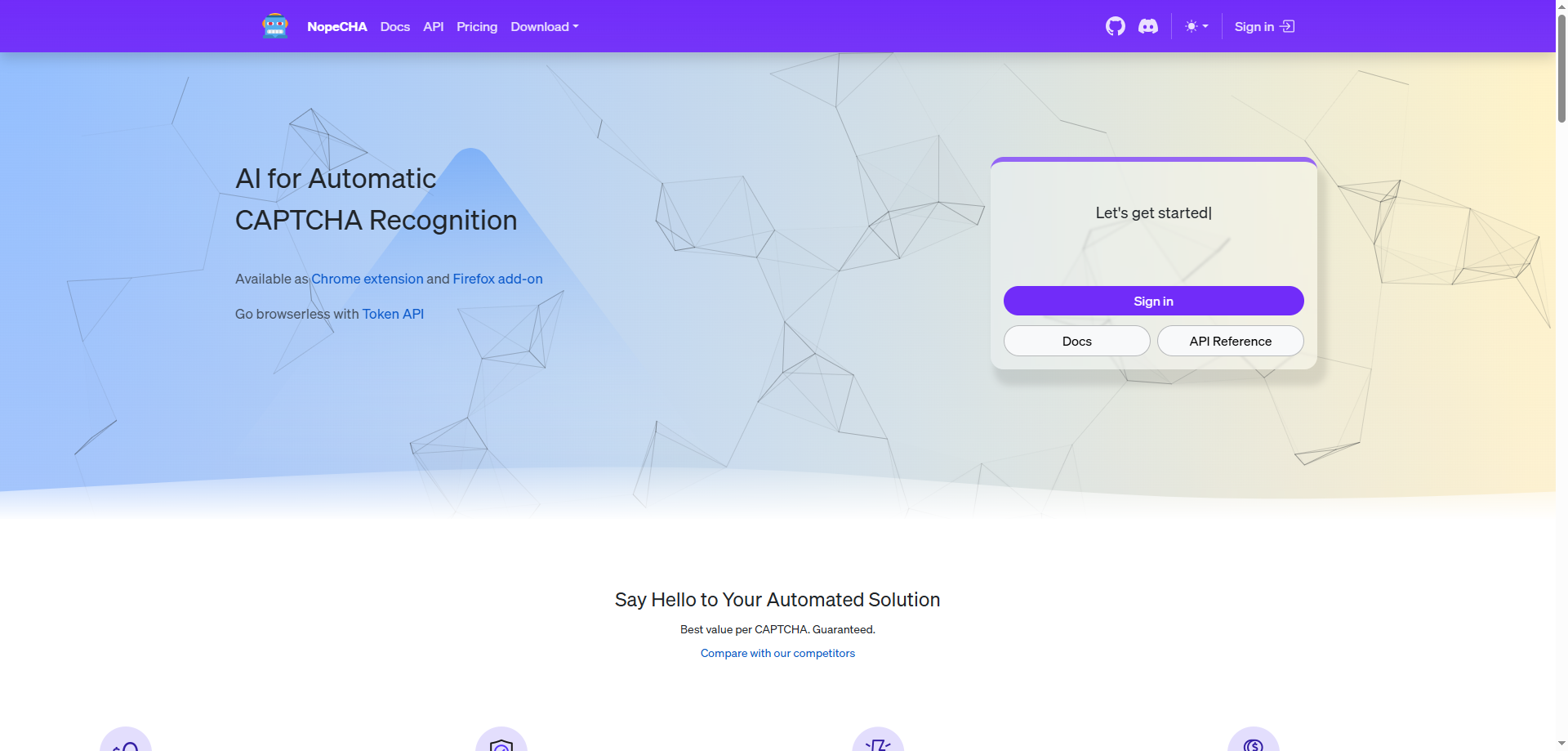
Official positioning: AI CAPTCHA Solver + Browser Extension
One of NopeCHA’s biggest strengths is its focus on the browser-side experience.
In addition to its CAPTCHA Recognition API and Token API, it provides Chrome and Firefox browser extensions, as well as Python and Node.js libraries that can work with automation tools such as Selenium, Puppeteer, and Playwright.
Key Features
Supports:
- Arkose FunCaptcha;
- AWS WAF CAPTCHA;
- reCAPTCHA;
- hCaptcha;
- Cloudflare Turnstile;
- GeeTest;
- Lemin CAPTCHA;
- Text CAPTCHA;
- Browser Extension.
Advantages
- Convenient browser extension experience;
- Supports mainstream browser automation frameworks;
- Provides both Recognition API and Token API;
- Well suited to browser automation.
Disadvantages
- Its enterprise ecosystem is smaller than those of some larger services;
- Support for certain CAPTCHA types is still being updated;
- Infrastructure capabilities are not its primary selling point for large-scale data collection platforms.
Use Cases
Especially suitable for:
Browser automation, individual developers, QA testing, and Playwright/Selenium projects.
7. AZcaptcha
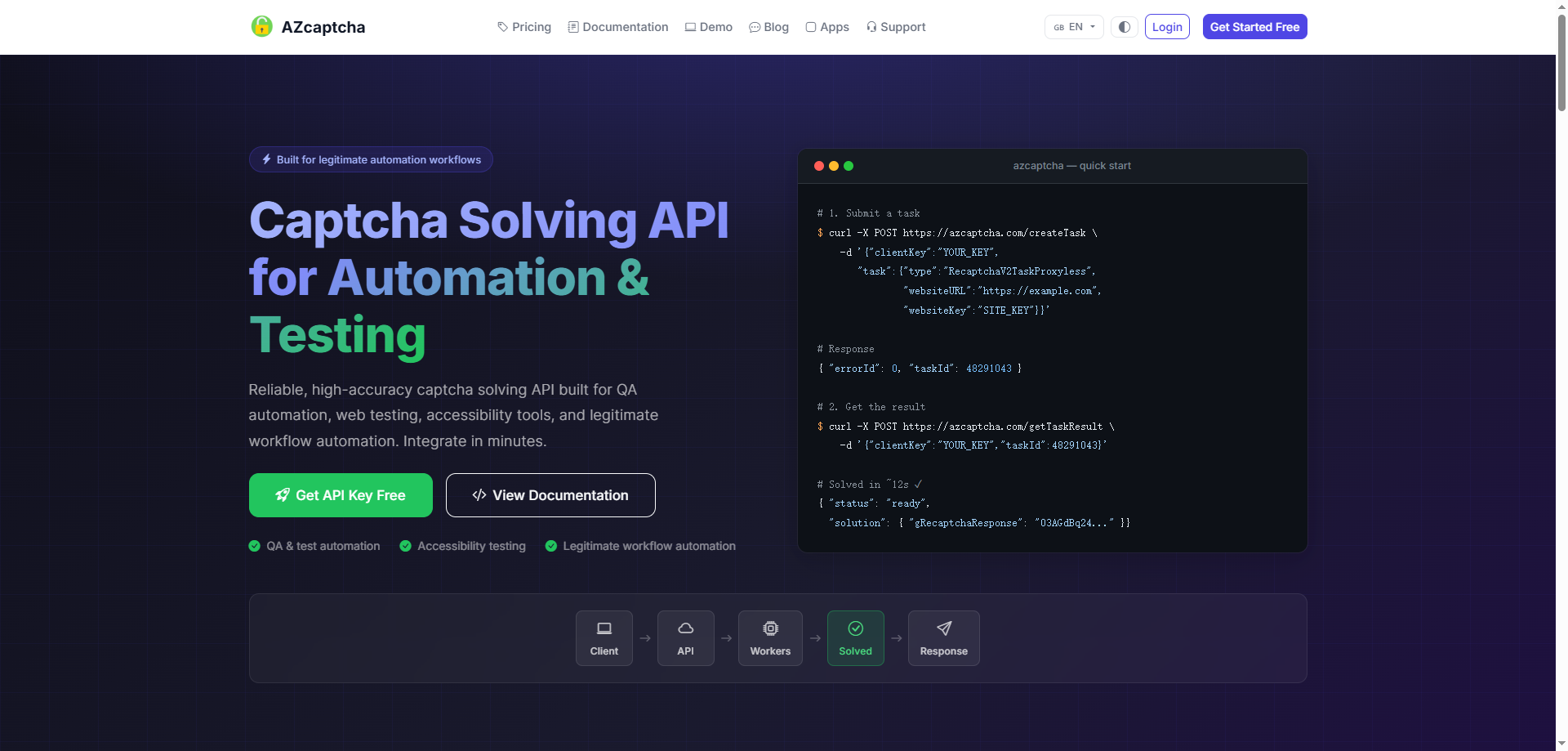
Official positioning: Budget-friendly CAPTCHA Solver
AZcaptcha is a relatively lightweight CAPTCHA Solver that supports traditional text-image OCR as well as some mainstream token-based CAPTCHAs.
Its official online demo allows users to directly test image-text CAPTCHA tasks and other functions, while an API is also available for handling CAPTCHAs.
Key Features
- Image CAPTCHA;
- OCR;
- reCAPTCHA;
- hCaptcha;
- API;
- Online demo.
Advantages
- Low barrier to entry;
- Suitable for traditional CAPTCHAs;
- Targeted toward cost-sensitive users;
- Relatively simple API structure.
Disadvantages
- Its CAPTCHA ecosystem is not as comprehensive as those of the products listed above;
- Limited capabilities in complex risk-control environments;
- Relatively few enterprise-level features.
Use Cases
Best suited for:
Small-scale automation, traditional image CAPTCHAs, budget-conscious developers, and testing projects.
8. Bright Data Web Unlocker
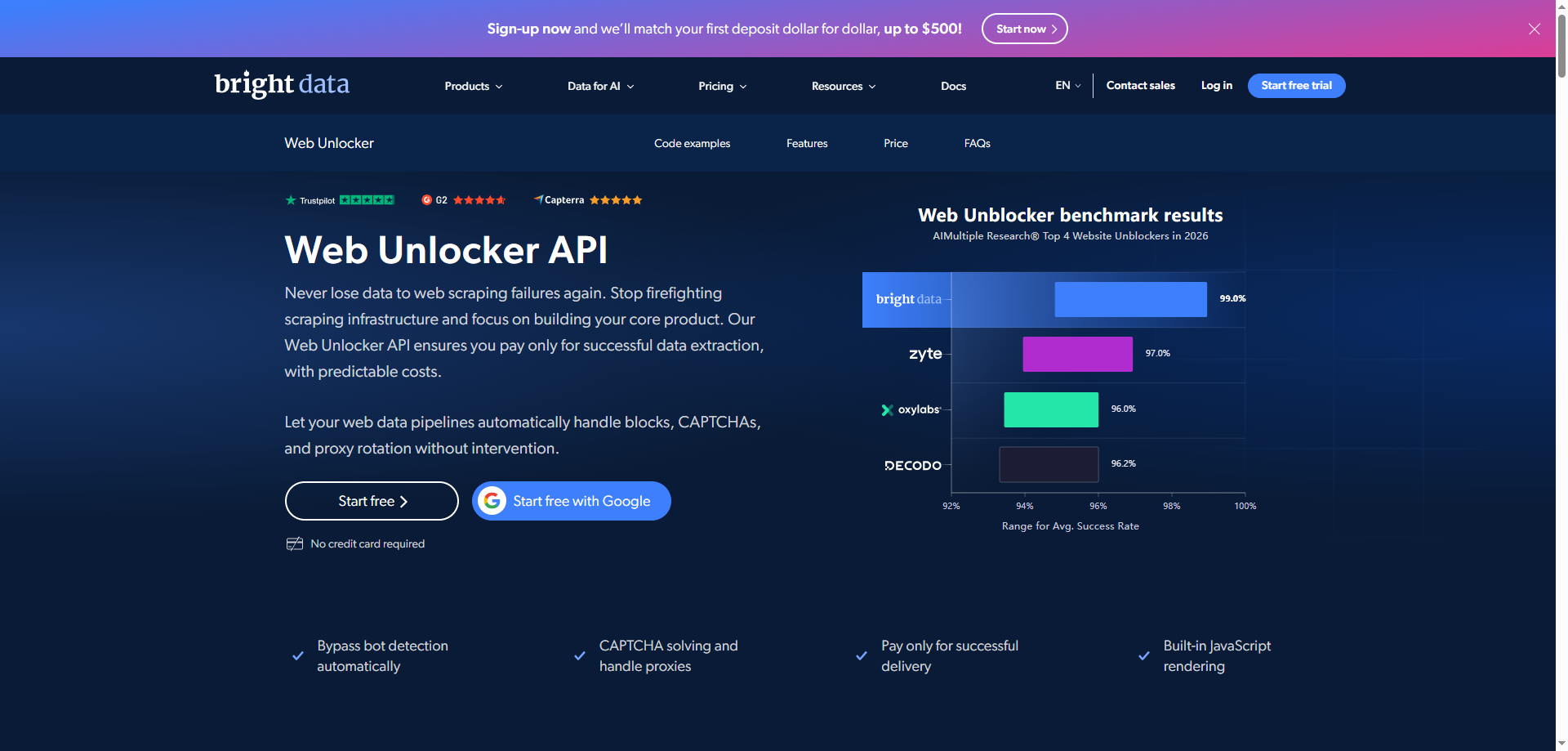
Official positioning: Enterprise Web Unlocker rather than a traditional CAPTCHA Solver
Bright Data Web Unlocker differs significantly from services such as 2Captcha.
Instead of allowing developers to submit a CAPTCHA separately and wait for an answer, it integrates CAPTCHA handling into the entire Web Access workflow. It automatically handles website anti-scraping measures and CAPTCHAs through browser fingerprinting, proxy rotation, request retries, and other mechanisms.
Key Features
- CAPTCHA Handling;
- Proxy Rotation;
- Browser Fingerprint Management;
- IP Rotation;
- Automatic Retry;
- JavaScript website access;
- Web Unlocking API.
Advantages
- Very high level of automation;
- Developers do not need to maintain a separate CAPTCHA Solver;
- Better suited to complex Anti-Bot websites;
- Relatively complete enterprise-grade proxy and data collection infrastructure.
Disadvantages
- Not an independent CAPTCHA API in the traditional sense;
- Overall costs are generally higher than those of simple CAPTCHA Solvers;
- May be excessive for users who only need to solve a small number of CAPTCHAs.
Use Cases
Best suited for:
Enterprise public data collection, price monitoring, market research, large-scale web access, and complex Anti-Bot environments.
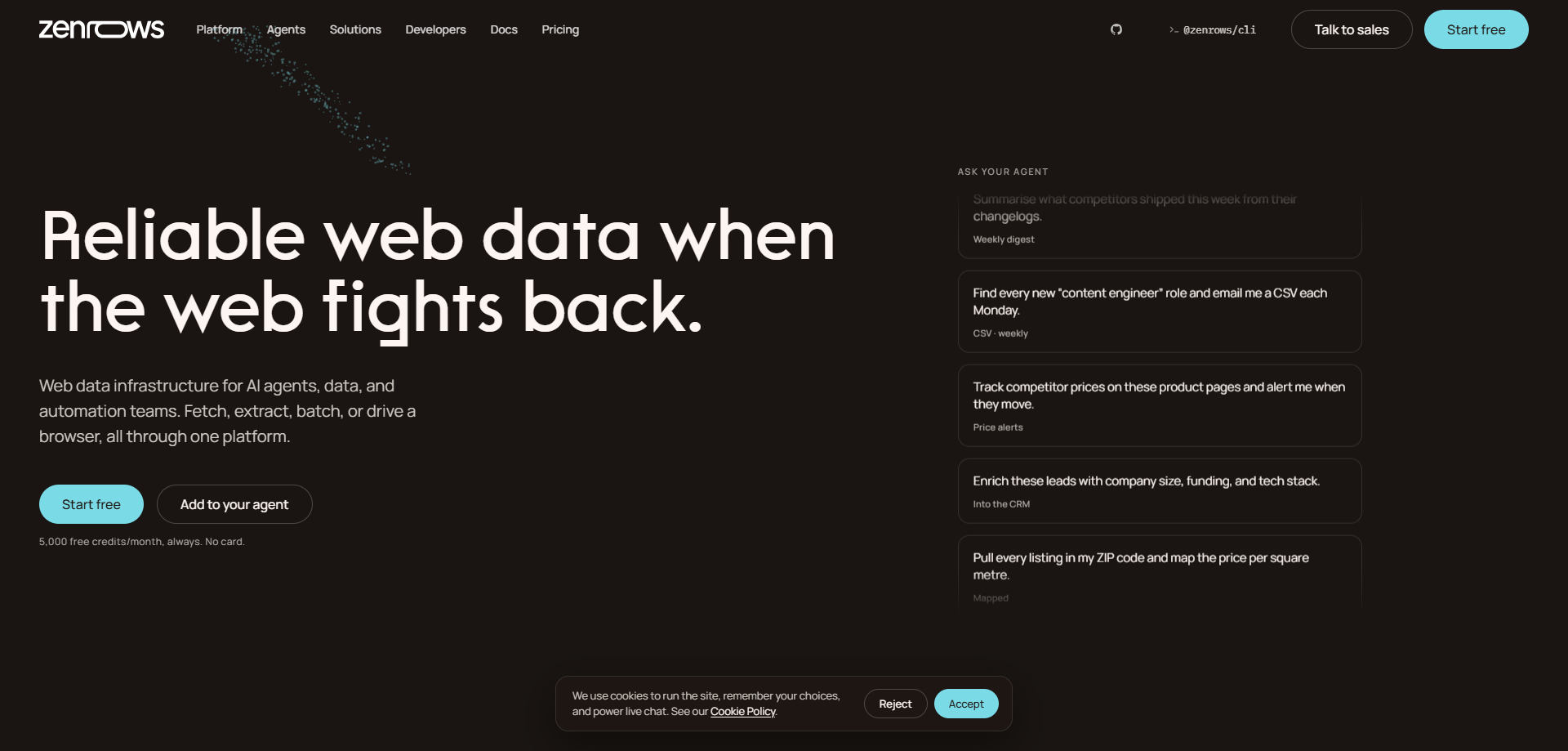
9. ZenRows
Official positioning: Web Scraping API + CAPTCHA Handling
ZenRows also does not simply “recognize CAPTCHAs.”
It integrates CAPTCHA handling, proxies, browser environments, JavaScript rendering, and website Anti-Bot processing into a unified Web Scraping API.
The official service currently explicitly covers reCAPTCHA, hCaptcha, Cloudflare Turnstile, traditional image CAPTCHAs, and other verification scenarios.
Key Features
- CAPTCHA Handling;
- reCAPTCHA;
- hCaptcha;
- Cloudflare Turnstile;
- Residential Proxy;
- Browser Sessions;
- JavaScript Rendering;
- Scraping API.
Advantages
- Relatively simple API usage logic;
- No need to combine proxies and a CAPTCHA Solver independently;
- Better suited to complete data collection tasks;
- Reduces the integration workload between the CAPTCHA Solver and the scraper.
Disadvantages
- If the requirement is only to solve CAPTCHAs separately, the cost advantage may not be significant;
- Users have relatively limited control over the specific CAPTCHA-solving process;
- More focused on Web Scraping than on being a pure CAPTCHA Solver.
Use Cases
Especially suitable for:
Developers, Web Scraping, SEO data collection, e-commerce price monitoring, and teams that do not want to maintain their own anti-scraping infrastructure.
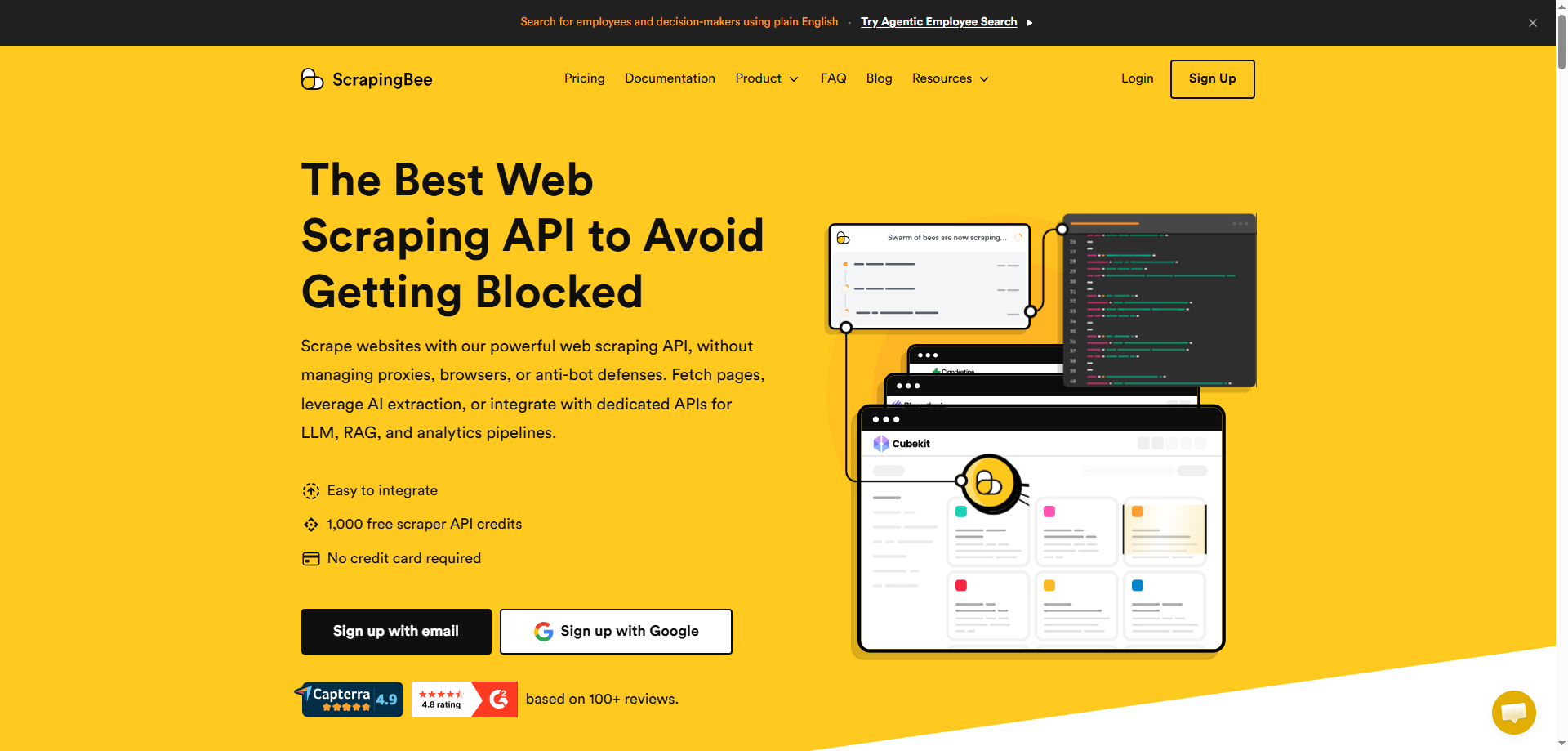
10. ScrapingBee
Official positioning: Web Scraping API + Anti-Bot Handling
ScrapingBee also follows the approach of “avoiding CAPTCHA challenges whenever possible.”
Its Web Scraping API combines browser environments, JavaScript rendering, and proxy infrastructure to handle complex web pages. In its official content published in 2026, ScrapingBee also emphasized that modern CAPTCHAs increasingly rely on browser fingerprinting, behavioral analysis, and invisible scoring. Therefore, in many data collection scenarios, preventing CAPTCHAs is more efficient than solving them after they appear.
Key Features
- Web Scraping API;
- JavaScript Rendering;
- Proxy Infrastructure;
- Browser Fingerprint Handling;
- Anti-Bot Handling;
- Cloudflare website access.
Advantages
- Relatively low barrier to entry;
- Integrates Web Scraping and Anti-Bot handling;
- No need to maintain a complex browser environment independently;
- Friendly to small and medium-sized development projects.
Disadvantages
- Not a dedicated CAPTCHA Solver;
- For CAPTCHAs permanently embedded in web pages, the official documentation also notes that an independent CAPTCHA Solver may still be required.
- Provides less control than an independent Solver in highly customized CAPTCHA scenarios.
Use Cases
Best suited for:
Small and medium-scale Web Scraping, SEO data collection, public web analysis, and developers who need to quickly build a data collection API.
IV. How to Choose the Right CAPTCHA Solver?
If your project mainly handles traditional CAPTCHAs, you can prioritize:
2Captcha, Anti-Captcha, CapSolver, or CapMonster Cloud.
If your project involves multiple complex CAPTCHAs such as reCAPTCHA, Turnstile, AWS WAF, and GeeTest, you should focus on the breadth of CAPTCHA coverage. CapSolver, Anti-Captcha, 2Captcha, and CapMonster Cloud are currently among the more comprehensive options.
If you mainly use Selenium, Playwright, or Puppeteer for browser automation:
CapSolver, NopeCHA, and CapMonster Cloud are generally more convenient.
If your actual goal is not “CAPTCHA recognition” but stable access to authorized public web pages:
Bright Data Web Unlocker, ZenRows, and ScrapingBee
These types of complete Web Scraping / Web Unlocking services are often more suitable.
Modern CAPTCHAs are gradually becoming part of Anti-Bot systems. Simply solving a CAPTCHA does not necessarily mean that the entire access request will pass the website’s risk verification.